
BME Web 9.0 GA Enhancements
Index
| S. No. | Enhancements | Details |
| 1. | BatchMaster Web | Two-Factor Authentication (2FA) has been integrated using Google and Microsoft Authenticator. |
| 2. | BatchMaster Web | The UI code has been improved to Faster Screen Load, Reduced Resource Usage, Improved Responsiveness, etc. |
| 3. | Various BatchMaster Web Screens | Angular 18 offers significantly faster rendering and improved developer productivity. |
| 4. | BatchMaster Web | The retained personalized settings are saved as per the database-user combination. |
| 5. | BatchMaster Web | Adopted Telerik Reporting. |
| 6. | BatchMaster Web | Introduced Ask BME Chatbot. |
2FA Using Google and Microsoft
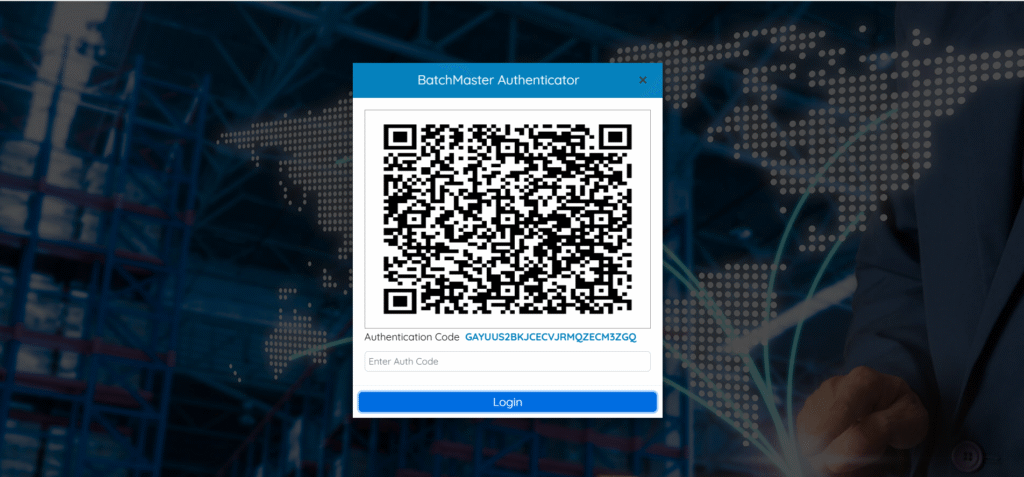
Two-Factor Authentication (2FA) has been integrated using Google and Microsoft Authenticator, requiring a time-based verification code in addition to the user’s password. This enhancement provides a stronger, industry-standard authentication layer for secure access.
- Enhanced Login Security
- Prevents Unauthorized Access
- Flexible Authentication Options
- Reduced Risk of Credential Attacks
- Easy to Use
- Industry-Standard Security Practice
- Improved User Confidence
UI Performance Improvements
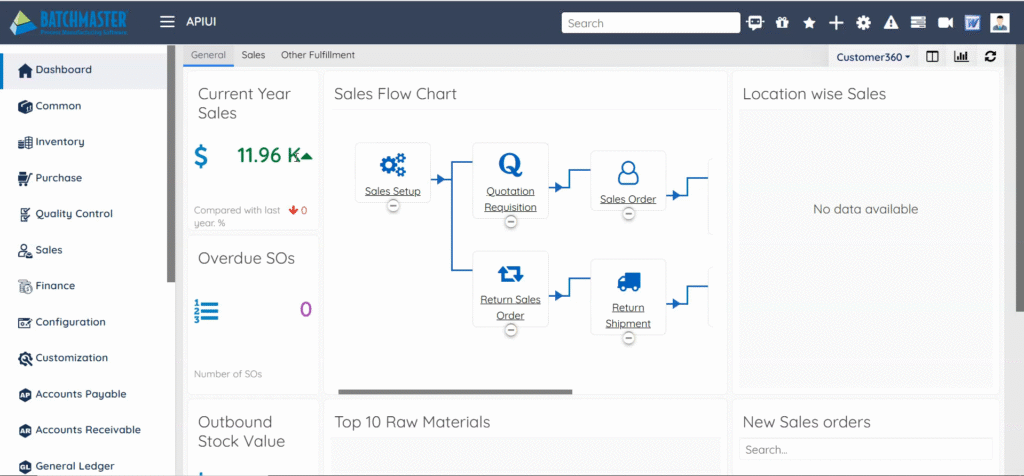
The UI code has been improved to streamline how modules and screens are initialized, resulting in faster menu navigation and quicker screen loading. These enhancements make the interface feel noticeably lighter and more responsive, delivering a smooth.
- Faster Screen Load
- Reduced Resource Usage
- Improved Responsiveness
- Lower Network Load
- Better Scalability
- Controlled Data Flow
Upgraded to Angular V-18
Complete .NET 8.0 business layer rewrite delivers enhanced performance while maintaining your familiar Angular UI experience. Multi-platform architecture supports Linux OS, reducing cost, and proving much better performance.
Angular 18 offers significantly faster rendering and improved developer productivity with enhanced hydration, deferred loading, and streamlined standalone component architecture.

Grid Settings in BatchMaster Web
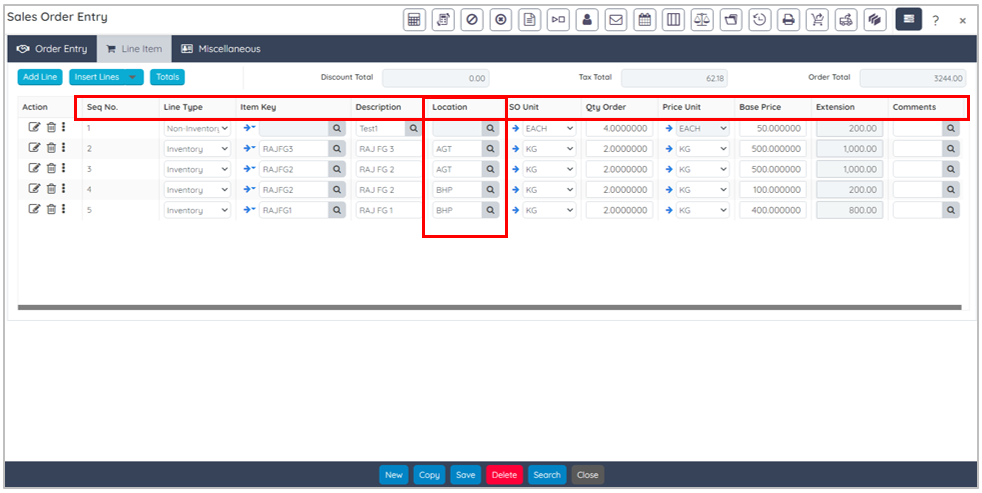
BatchMaster Web is now enhanced to keep customized user-specific settings. The system retains personalized grid settings, such as field sequence, field location, field width, etc., when you log out of the BatchMaster Web.
Say, for example, if you have rearranged or resized the grid columns on the Sales Order Entry screen, then these changes will be maintained the next time you log in. This eliminates the need to reapply your personalized settings each time after logging in to the BatchMaster Web.
 The retained personalized settings are saved as per the database-user combination and apply to all grid fields within the screen.
Affected Screens
The following screens retain personalized settings even after logging out of the BatchMaster Web application.
- Warehouse Transfer Out
- Warehouse Transfer In
- Product Cost Analysis
- Production Pick Order
- Item Cost Rollup Utility
- Formula Entry
- Request for Quote
- Super Voucher
- Batch Close (All Grids)
- Super Batch Close (All Grids)
- Super Batch Entry (All Grids)
- Purchase Order Entry
- Purchase Indent Entry
- Freight Adjustment
- Sales Order Entry
- Super Invoice
- Pick List
- Maintain Shipment
- Inventory Bill of Lading
- Process Cell Formula Capacity
- Formula Approver Group
Enhanced Reporting: Telerik Reporting Integration
Adopted Telerik Reporting as a new reporting framework, offering a more advanced, flexible, and modern reporting environment. Its architecture aligns seamlessly with the updated .NET platform, enabling smoother integration, richer report design capabilities, and cross-platform support. This upgrade ensures a future-ready reporting experience with higher performance and maintainability.
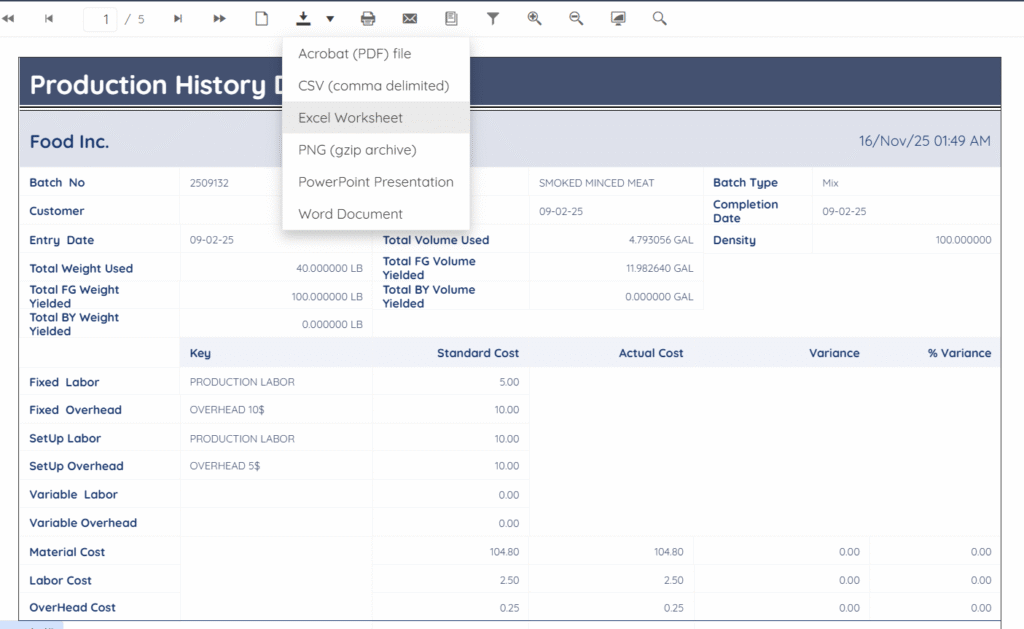
- Advanced Report Capabilities
- Cross-Platform Compatibility
- Faster Rendering Performance
- Modern & Maintainable Architecture
- Flexible Export Options
- Seamless Integration
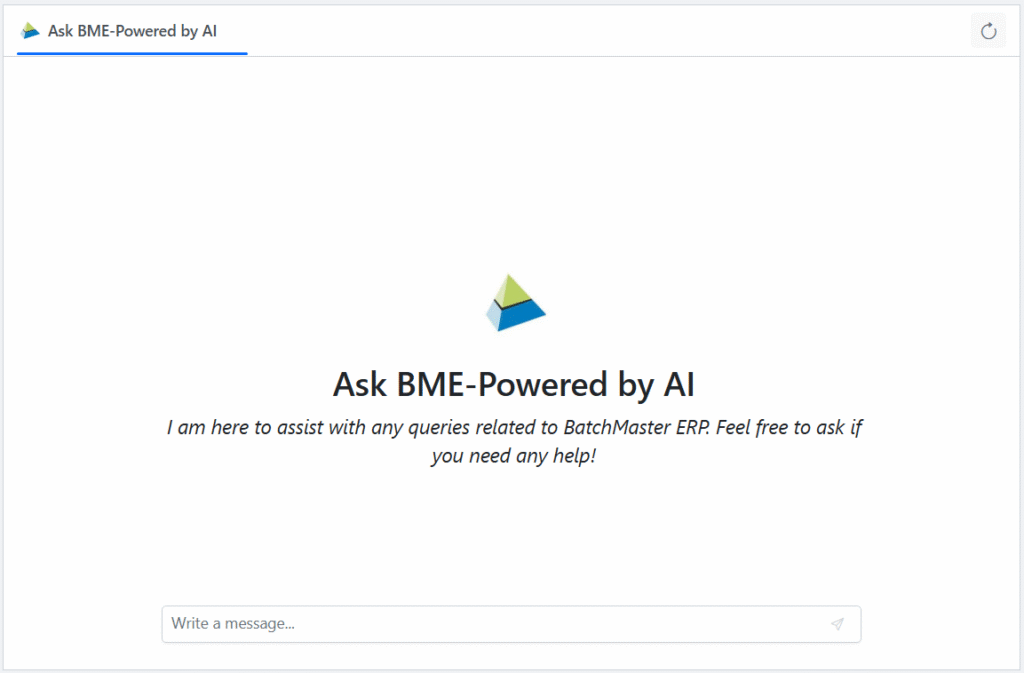
‘Ask BME’: Your Intelligent Assistant
BatchMaster Web is now enhanced with Ask BME Chatbot. You can interact with AI-powered Chatbot “Ask BME” via the Ask BME  option (Go To: BatchMaster Web Dashboard→ Ask BME
  ) within the BatchMaster Web Application interface after doing a successful login to the BatchMaster Web.

Upon clicking the Ask BME option on the BatchMaster Web dashboard, the system validates access to the Chatbot, confirming that you are logged-in as BatchMaster Web authenticated user.